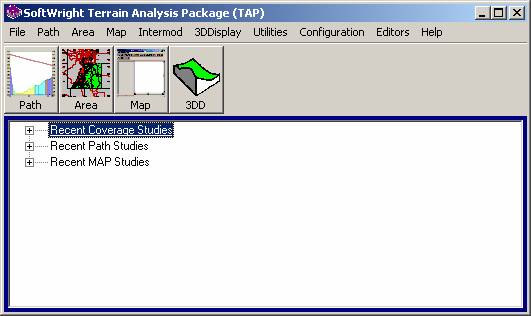
TAP6 Area Coverage Parameters
Q: How can I find the parameters used for an area coverage study computed with TAP6?
A: The TAP6 menu includes the ability to see a summary of the coverage study parameters.
From the TAP6 menu, click the Recent Coverage Studies header to see the coverage studies that have been computed:
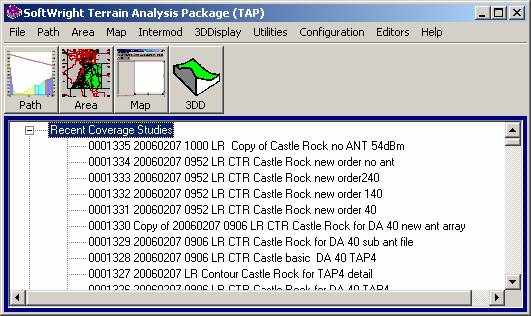
The list of studies will be expanded:
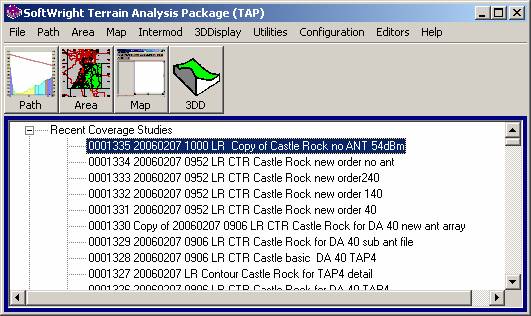
Right click on the study you are interested in:
When you right click, the study parameters will be displayed:
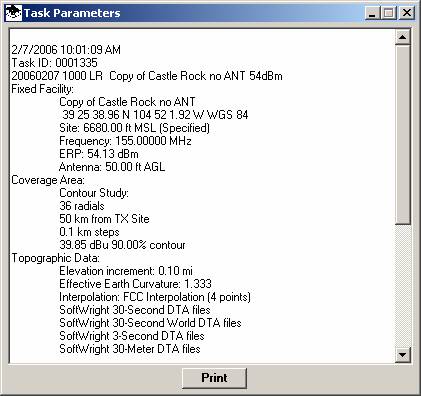
The Print button will load the information into Notepad:
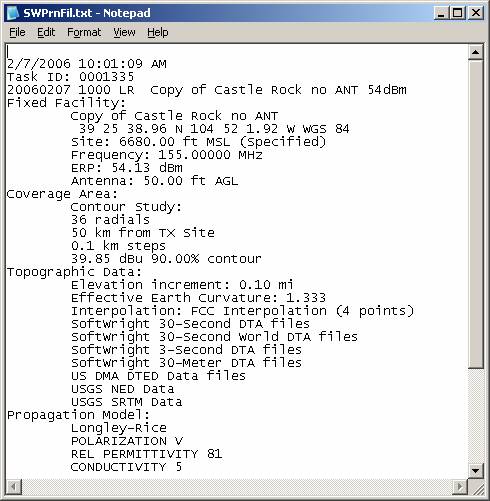
You can save or print the information from Notepad, or copy and paste all or part into other documents.
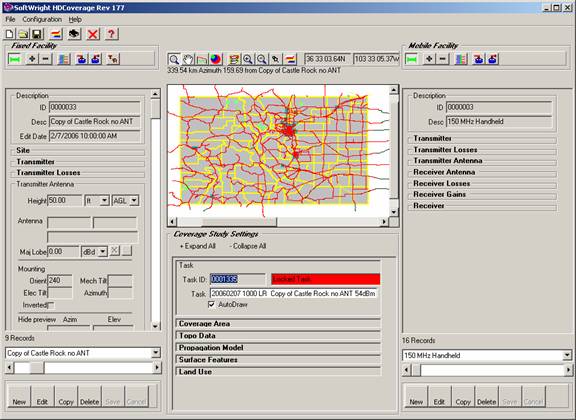
You can also double-click on the study in the list:
This will load the study into HDCoverage:
|
|
|
Copyright 2006 by SoftWright LLC


